

 MCP
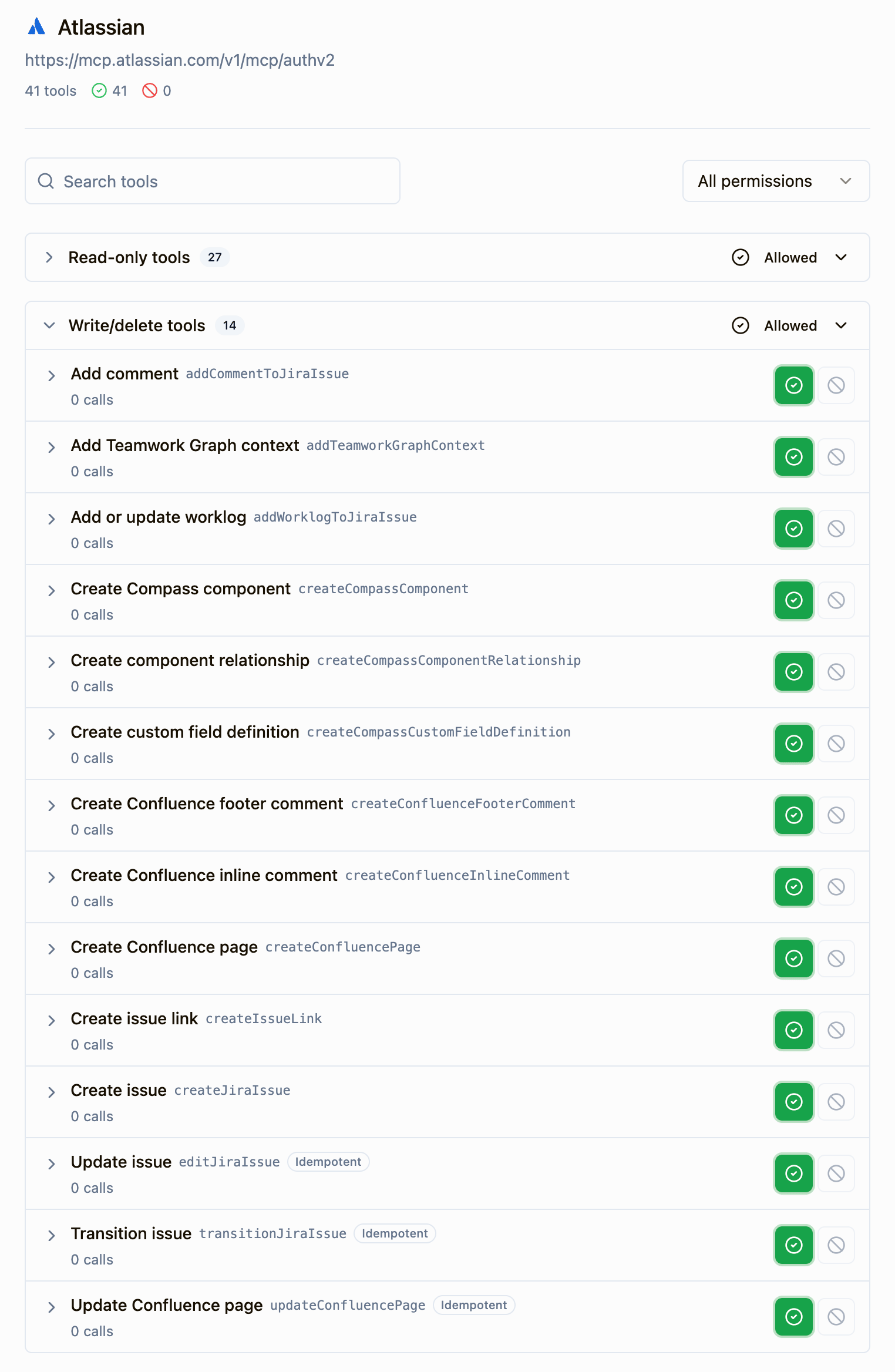
- Allowed: agents can use it.
- Blocked: agents can’t see or call it.
Edit tool permissions
- Go to Settings → Workspace → Connectors.
- Open the connector’s menu and select Edit tool permissions.
- Use the toggle next to each tool to set it to Allowed or Blocked.
When changes take effect
Changes reach agents at different times, depending on where they run:
Sourcebot checks permissions on every MCP client call, so a blocked tool stops working right away, even in a client that still lists it.
Next steps
Connect a connector
Share with members how they connect their own accounts.

MCP Gateway
Turn connectors on or off for MCP clients.
Ask Sourcebot
Use connectors in your chats.
Audit logs
Review who changed a connector’s tool permissions.